
Nine cards.
One photo.
Photograph a binder page and Decksmith finds every card on it — priced, filed and ready for a deck. Twelve-pocket pages and loose cards work too, and your whole collection follows you to the browser.
On a computer? Scan with your iPhone camera to open Decksmith in the App Store.
Free · iOS 18+ · 24 MB · No ads, no tracking, no subscription
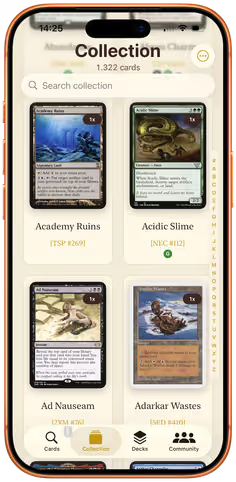
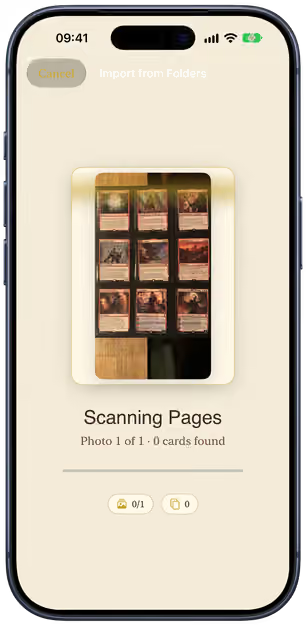
9 cards · 1 photo
Synced to the web
- Free No subscription, no in-app purchases
- No ads Nothing is sold in the margins
- No account needed The whole app works signed out
- Works offline Your collection lives on your device
- No tracking GDPR-compliant, nothing phoned home
- Data by Scryfall Every card, every printing
Your binder, digitised a page at a time.
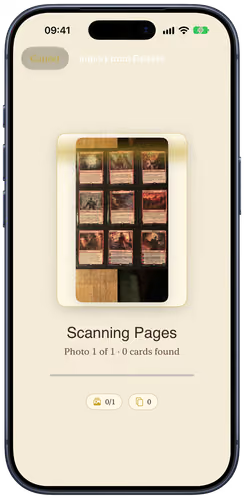
Typing card names was never the fun part, and neither was scanning them one by one. Take a photo of a binder page and Decksmith reads every pocket on it — the name and the printed set number — then prices and files the lot.
- 3 × 3 pages 9 cards per photo
- 4 × 3 pages 12 cards per photo
- Loose cards Up to about 20, any way round
- Pick as many page photos as you like in one go
- Matched by name and printed set number — the printing you actually own
- One review screen for the whole haul; nothing is imported until you say so
photos for a full 360-card binder. Twenty nine-pocket sheets, both sides. One card at a time, the same binder is 360 scans.
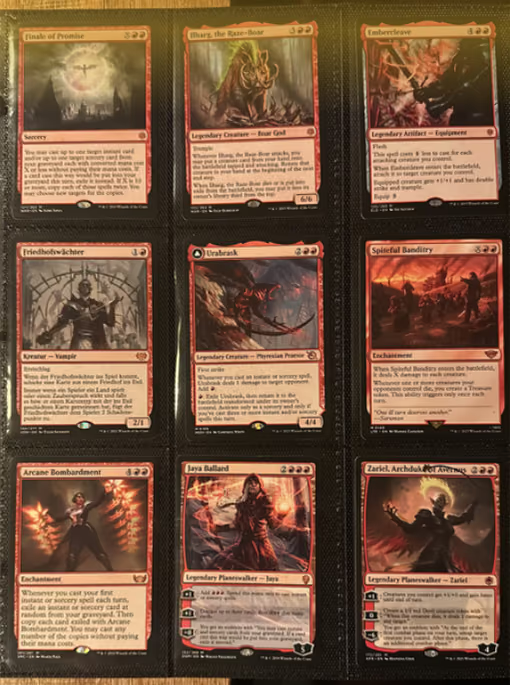
- Finale of Promise
- Ilharg, the Raze-Boar
- Embercleave
- Friedhofswächter
- Urabrask
- Spiteful Banditry
- Arcane Bombardment
- Jaya Ballard
- Zariel, Archduke of Avernus
Page scanned
9 cards found
- Standard
- Modern
- Pioneer
- Legacy
- Vintage
- Commander
- Pauper
- Casual
- Scryfall data
- Cards in one photo A full 12-pocket binder page
-
12 - Formats validated Standard through Commander
-
8 - To buy, ever No subscription, no IAP
-
€0 - Trackers Nothing is phoned home
-
0
How it works
You have typed your last set code.
Every other collection tool opens with a search box, and a thousand cards is a weekend of
typing. Decksmith opens with a camera — a whole page per photo, or one card live when you
have just cracked a pack. The whole interaction is
- 01
Photograph the pages
Snap your binder pages, or lay loose cards on the table, and pick the photos. Decksmith finds every card in every one — no typing, no searching, no spreadsheet.
- 02
Check the haul
Every card it found, on one screen. Anything it could not read, you find by typing the name. Then import them all at once.
- 03
Build, play, anywhere
Priced, filed and ready for a deck that checks its own legality — on your iPhone, and in your browser at the web app.
New · Decksmith on the web
Scan on your phone. Sort it out on the big screen.
Your collection, decks and lists on any computer at app.decksmith.community — always in sync with the app. Edit cards, build decks with room to think, import, export and track your games.
- 100% free
- No ads
- Auto-sync
- Nothing to install
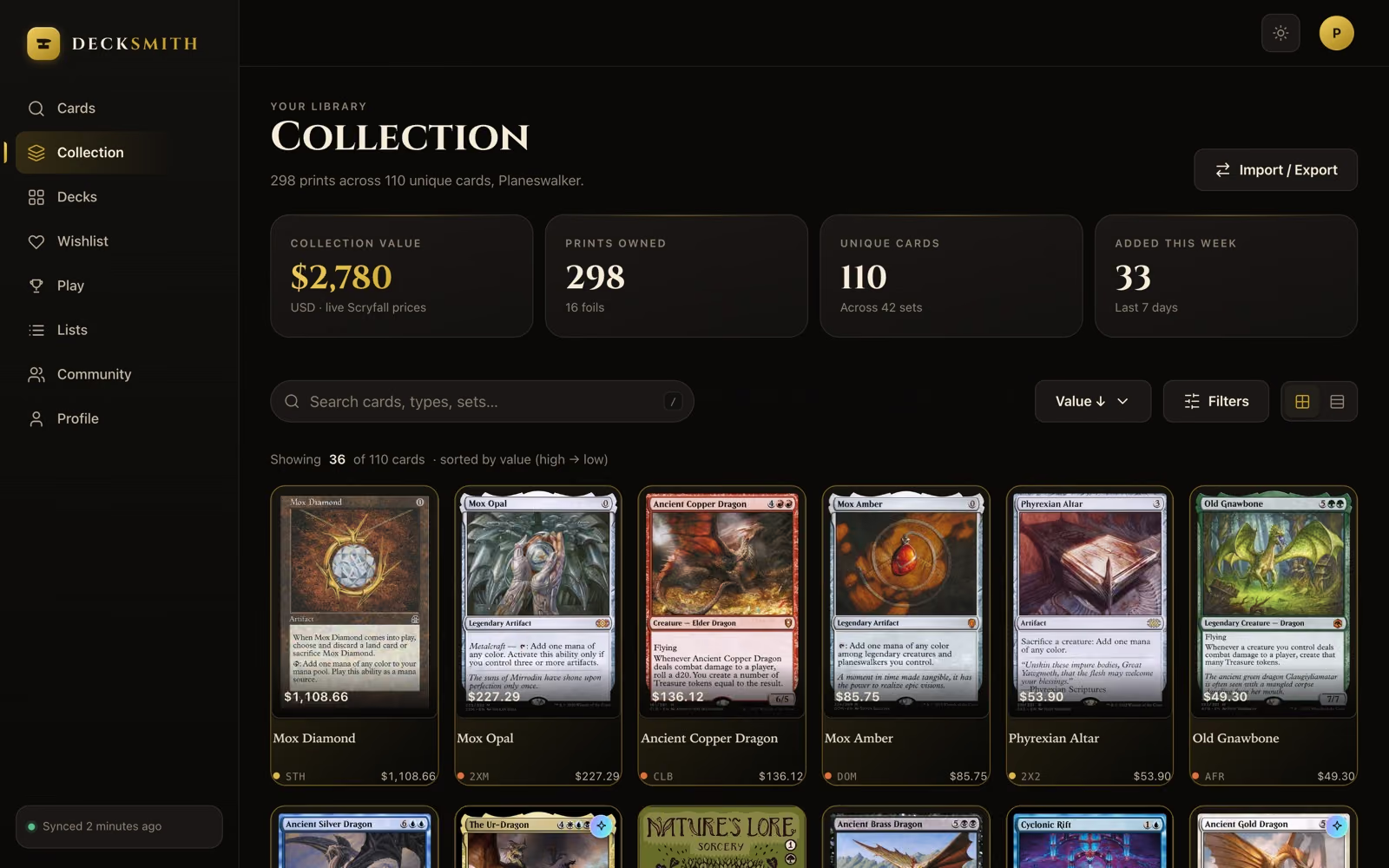
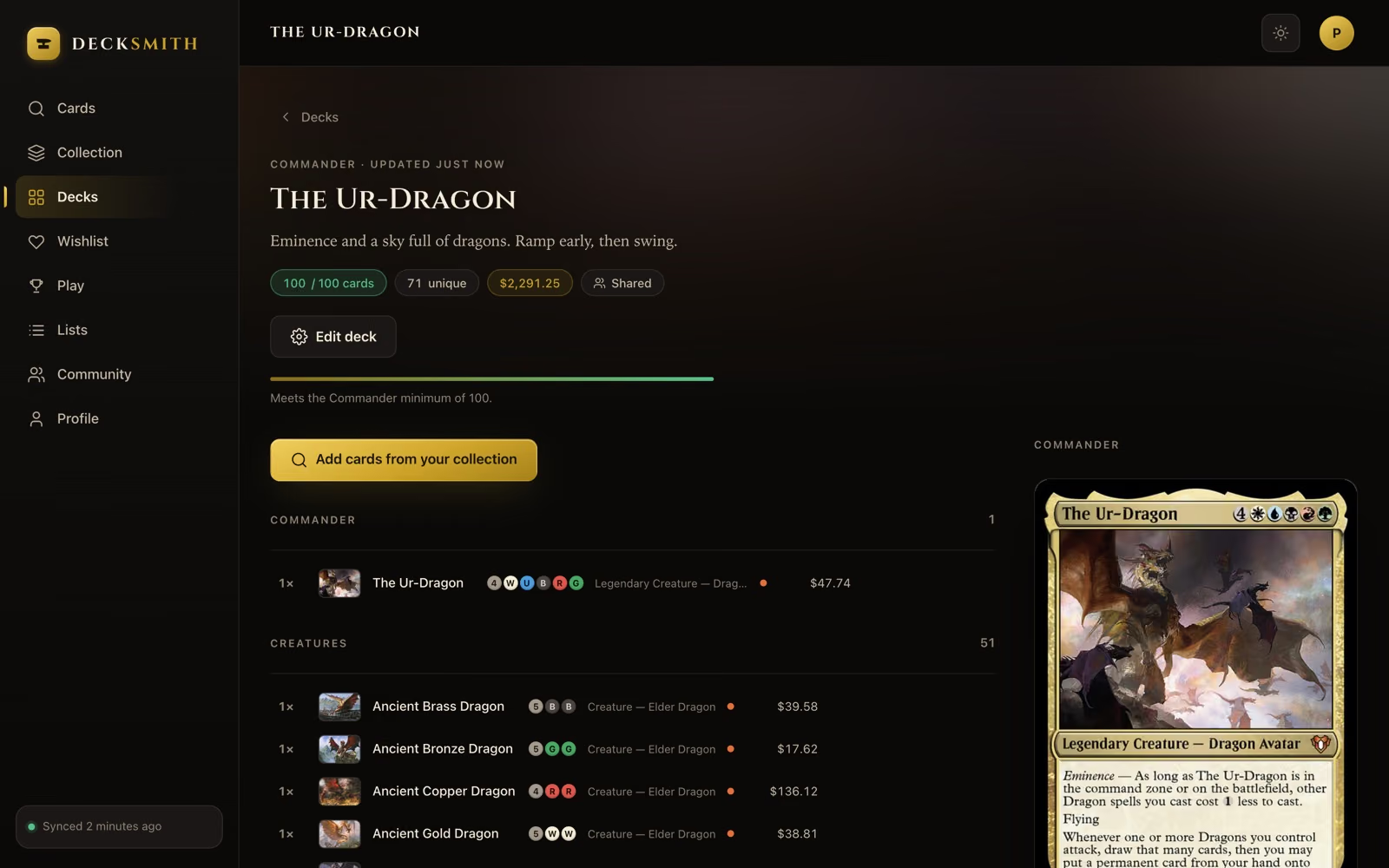
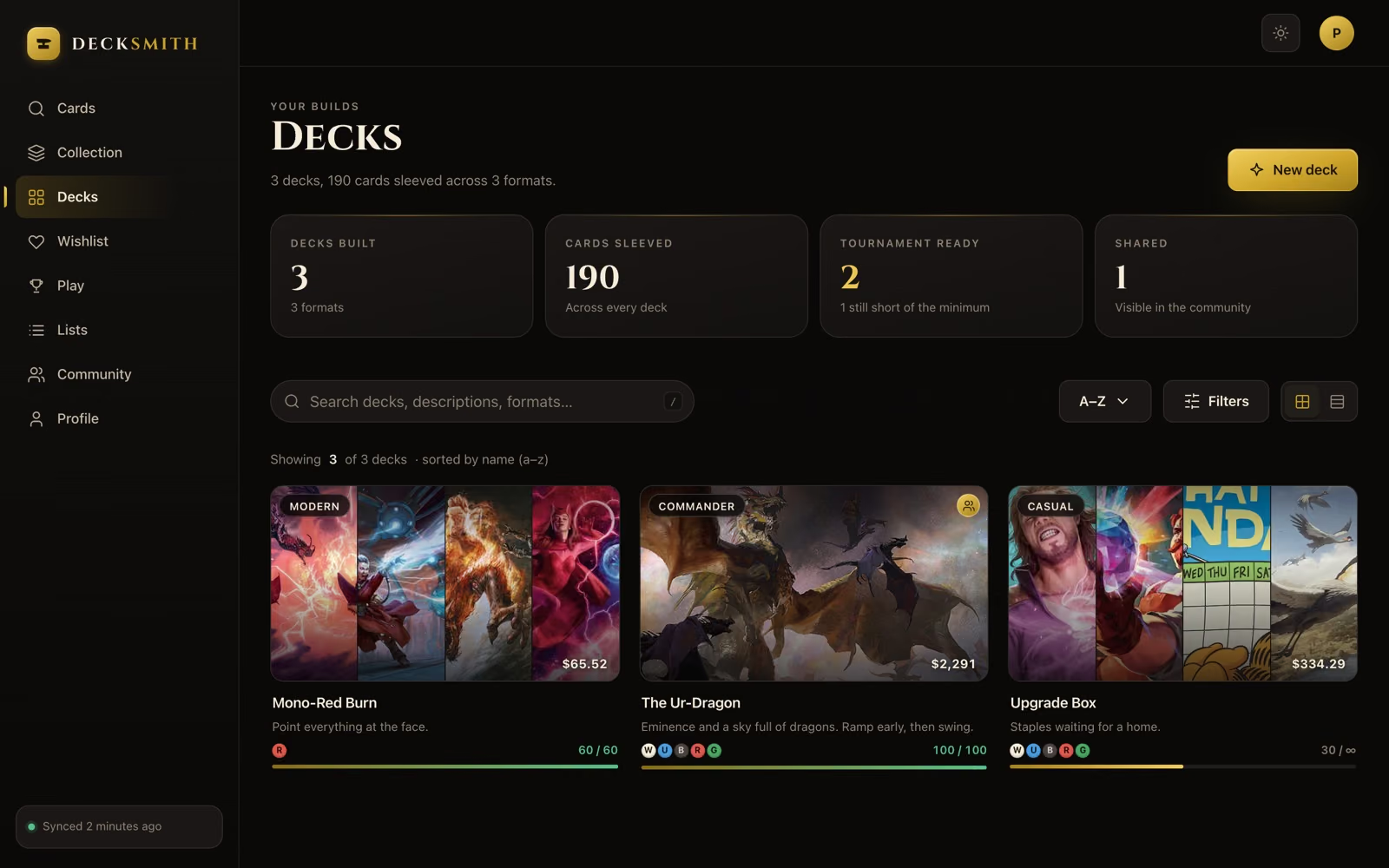
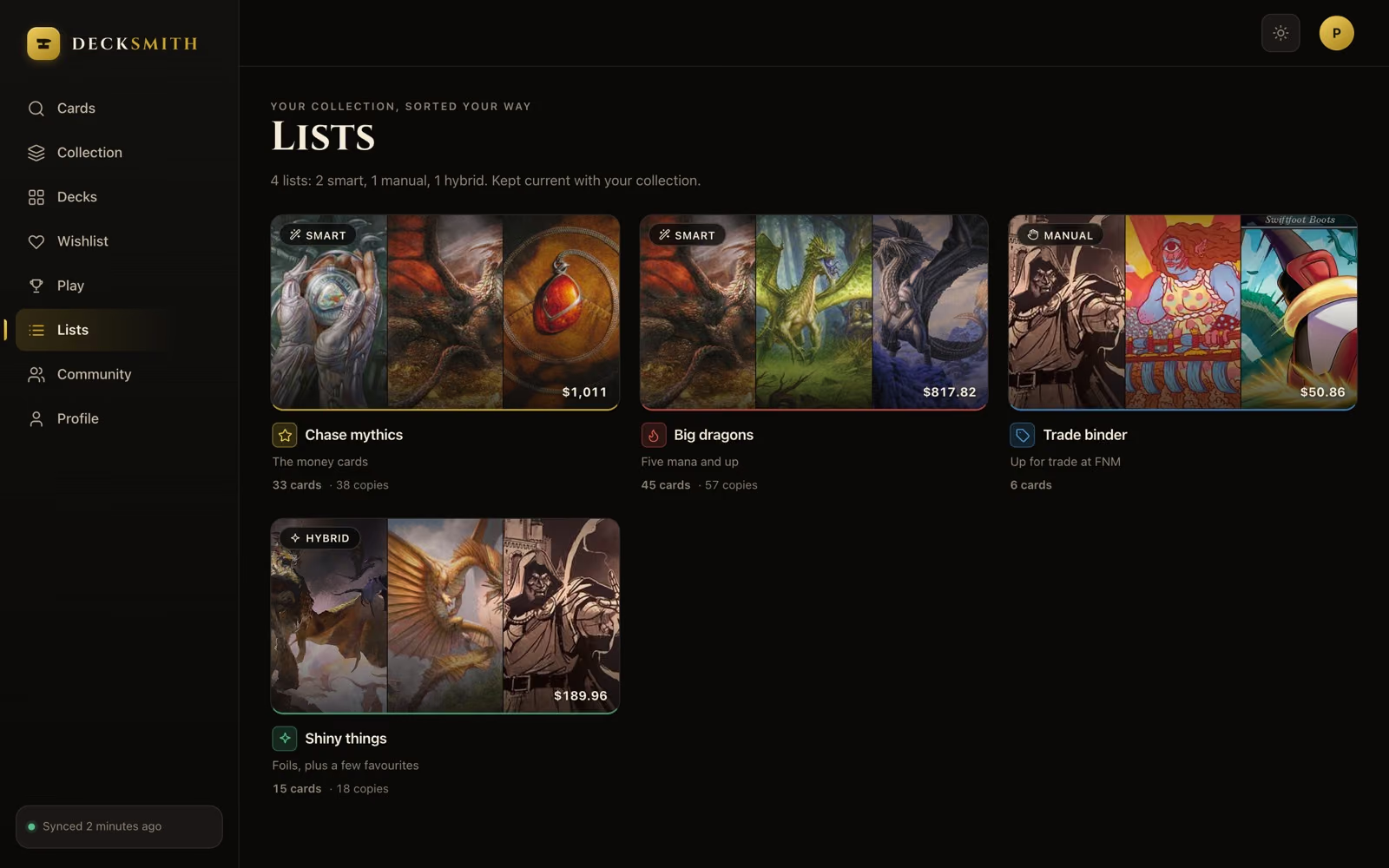
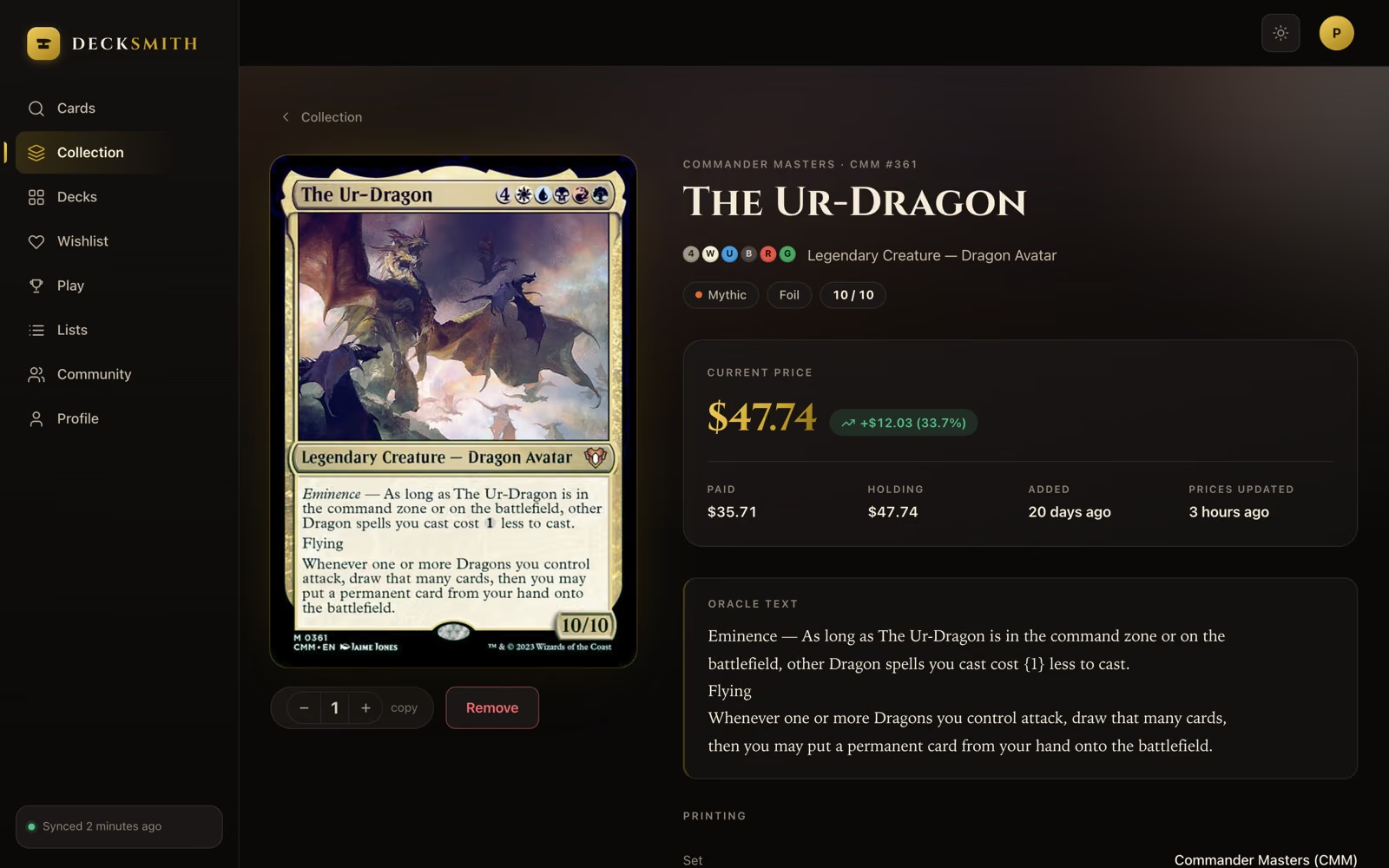
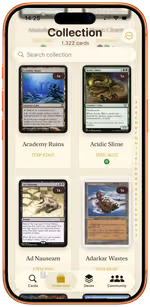
In sync with your iPhone
One free account for the web and the iPhone app, always in sync. Create one in your browser or in the app.
-
iPhone
The scanner, the gallery and the whole collection in your pocket. Works signed out and offline.
-
iPad
The same app, five cards to a row. Deck building at a size where you can see the whole list at once.
-
Browser
app.decksmith.community — sign in with your free Decksmith account and edit your collection from a real keyboard.
Open the web app
Everything in the box
One app, from the shoebox to the table
No tier list, no upsell, no feature held back for a subscription that does not exist. Everything below is in the free app.
A whole binder page, one photo
Photograph your binder pages — nine or twelve pockets — or lay loose cards on the table, and Decksmith finds every card in every photo. You check the haul on one screen, fix anything it missed by typing the name, and import the lot.
- 9- and 12-pocket pages, or loose cards on a table
- Pick as many photos as you like in one go
- Review everything before it is imported
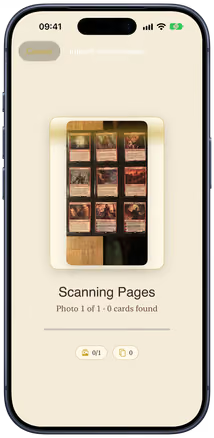
Or scan one card, live
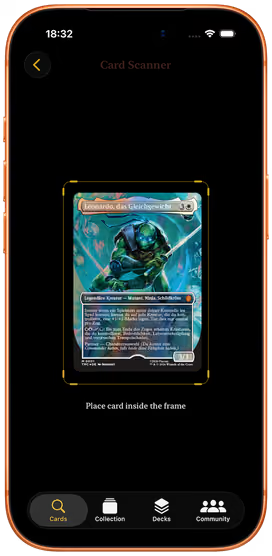
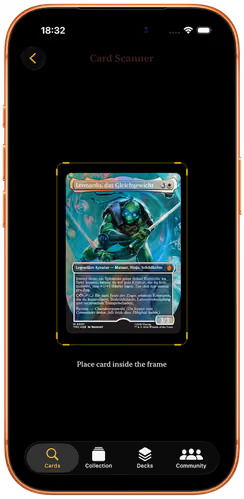
Just opened a pack? Hold your iPhone over a card and it is recognised straight from the camera feed. Name, set, rarity, artwork and market price fill themselves in before you have put the card down.
- Real-time recognition, no manual entry
- One tap to confirm and collect
- Pick the exact printing and finish
A binder that never loses a card
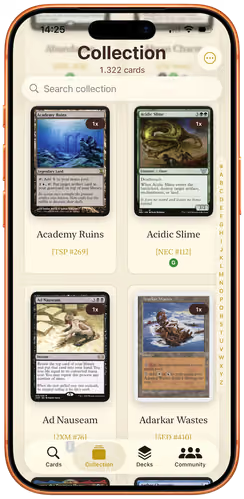
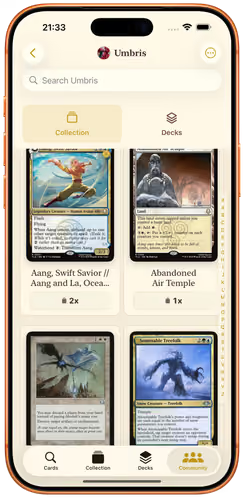
Thousands of cards, sorted the way you actually think about them. Every image is cached on device, so the shelf looks right on a train with no signal.
- Multiple copies and foil finishes
- Grid or list, your choice
- Full-resolution art stored offline
Know what the shoebox is worth
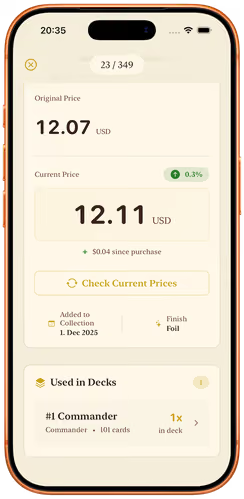
Market value in USD or EUR, kept next to what you paid — card by card and across the whole collection. Find out before you trade, not after.
- Paid vs. current value
- USD and EUR
- Refresh whenever you want
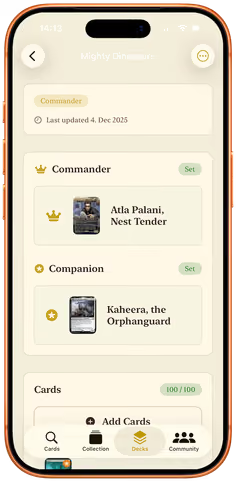
A deck builder that knows the rules
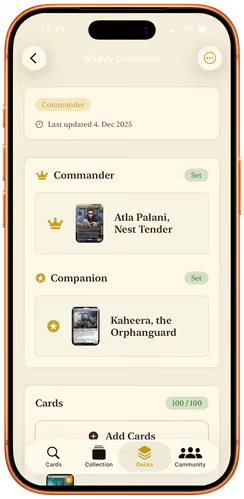
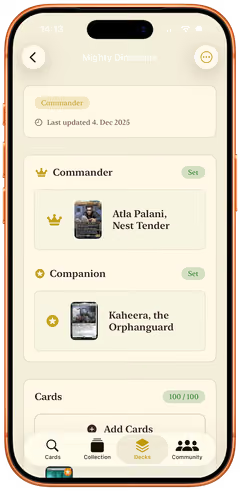
Build for eight formats. Decksmith enforces deck size and copy limits, gives Commander its own slot, and tells you the moment a deck is legal — so nothing is a surprise at the table.
- Eight formats with live legality
- Dedicated commander slot
- Companion validation
Your cards, full screen
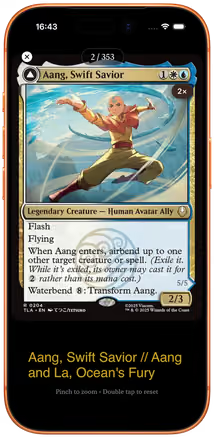
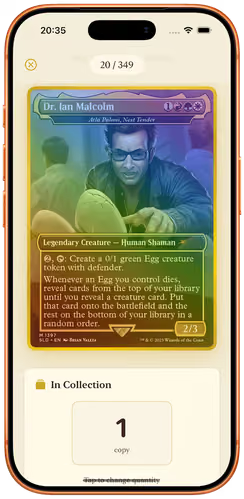
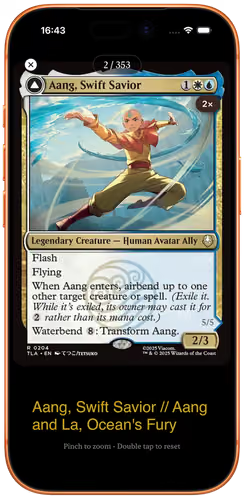
A gallery built for staring at cardboard. High-resolution art, glowing borders on your foils, pinch to zoom, swipe from card to card.
- Foil borders on foils
- Pinch to zoom into the art
- Double-faced cards flip with a tap
Lists that fill themselves
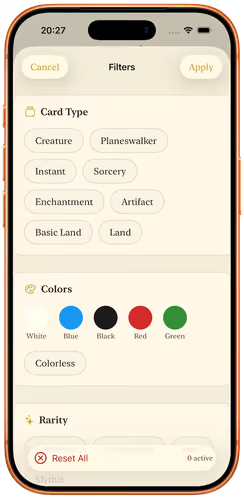
Save any combination of filters as a smart list — trade binder, EDH staples, everything foil under €5 — and it updates as your collection grows.
- Smart lists from saved filters
- Or curate by hand
- Own icon and colour each
App preview
See it in your hand
Every screen here is a real capture from the shipping app — including
Scroll sideways — every screen is real.
Deck builder
The deck tells you when it is legal.
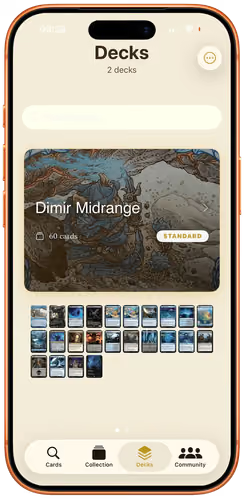
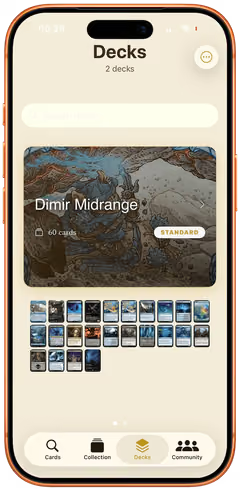
Pick a format and Decksmith holds you to it: deck size, copy limits, the commander slot, the companion rule. The curve, the colour split and the average mana value are drawn as you go — so the deck is finished when the app says it is, not when you find out at the table.
- Eight formats with live legality
- Dedicated commander slot
- Companion validation
- Mana curve at a glance
- Type and colour split
- Average mana value
Game tracker
Settle who actually wins.
Dice, scrap paper and a phone calculator, every pod, forever. Decksmith runs the table instead — life for everyone at it, commander damage, poison, who is out — and it survives you putting the phone face down for ten minutes.
Then it keeps the result. Every deck on your shelf carries its own record, and so does every commander you have sleeved up. The deck you swear is your best one finally has to prove it.
- Live board for the whole pod
- Resume a game you walked away from
- Win rate by deck and by commander
The tracker lives in the Community tab and needs a free account, because a record that is worth keeping has to survive a new phone.
- You Dimir Midrange 31
- Mara Atraxa 18
- Jon Krenko 7
- Ada Yuriko 0
- Dimir Midrange 14W · 6L70%
- Atraxa // Superfriends 9W · 9L50%
- Krenko, Mob Boss 5W · 11L31%
Community
Brews worth stealing.
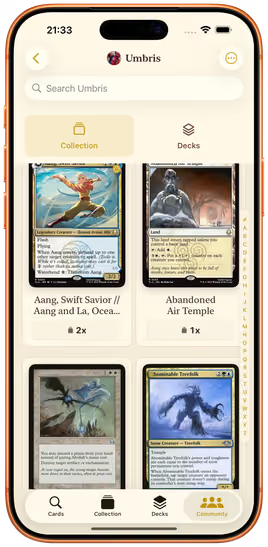
Publish a deck with one tap, or keep it private — it is a per-deck switch, not an account setting. Follow the players whose lists you keep copying, leave a comment on the one you cannot beat, and watch the activity feed for what your playgroup is building next.
- Publish decks publicly or keep them private
- Follow players and browse their decks
- Friend requests and activity feed
Community features are free to use until 31 December 2026.
The app works before it knows your name.
No sign-up wall, no analytics SDK, no advertising identifier. Your collection is a file on your device until you decide otherwise — and if you do make an account, you can export all of it, or delete all of it, from Settings.
Questions
Before you download
Is Decksmith free?
How many cards can I scan at once?
Do I need an account?
Does Decksmith work offline?
Where does the card data come from?
Which formats can I build for?
What does the game tracker do?
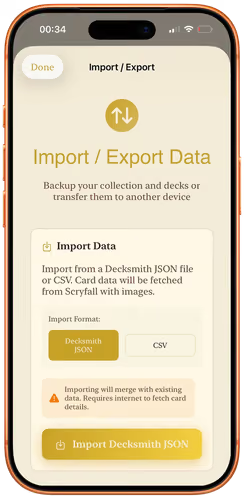
Can I import a collection I already have?
Does Decksmith track me or show ads?
Is there a web or Android version?
Which iPhone do I need?
Is Decksmith affiliated with Wizards of the Coast?
Still stuck? info@decksmith.community — a person answers.
Your first binder page is one photo away.
Photograph the nearest page of cards. The collection builds itself from there — on your iPhone and in your browser.
Free · iOS 18+ · 24 MB · No account required
On a computer? Scan with your iPhone camera to open Decksmith in the App Store.