
Your playgroup’s binders,
one search away.
Follow the people you play with. Open their collections and decks, find out who already owns the card on your wishlist, and share your own brews for likes and comments, on iPhone, iPad and in your browser.
Free account with your email · No ads · You choose what is shared
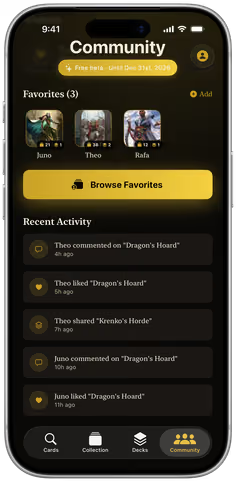
Theo liked Dragon’s Hoard
Gaea’s Cradle · Theo has 1
Who has it?
Stop asking the group chat who has a Cradle.
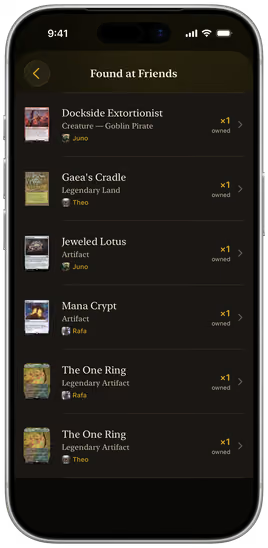
Type a card name once and Decksmith searches all your favourites’ collections at the same time. You see who owns it and how many copies: no forty-message thread, no “I think Theo had one?”
Searching 3 collections


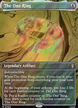
The One Ring
Legendary Artifact
Found at friends
-
 Rafa owns 1
-
 Theo owns 1
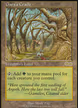
Gaea’s Cradle
Legendary Land
Found at friends
- Theo owns 1
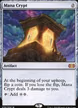
Mana Crypt
Artifact
Found at friends
- Rafa owns 1
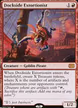
Dockside Extortionist
Creature — Goblin Pirate
Found at friends
-
 Juno owns 1
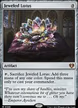
Jeweled Lotus
Artifact
Found at friends
- Juno owns 1
Wishlist
Your wishlist does the asking.
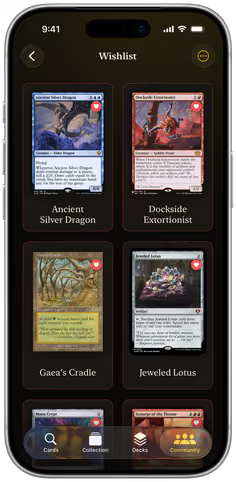
Put the cards you are chasing on a wishlist. Their prices are tracked apart from your collection, so you always know what the missing pieces cost. One tap shows which of your friends already own them, and how many copies each one has.
- Wishlist prices kept apart from your collection
- One tap: every wishlist card your friends own
- Who owns it and how many copies, card by card
Your wishlist comes with you to the web app too.
Favourites
Every friend’s binder, open on your phone.
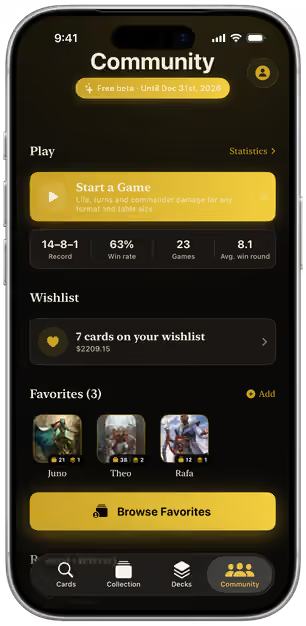
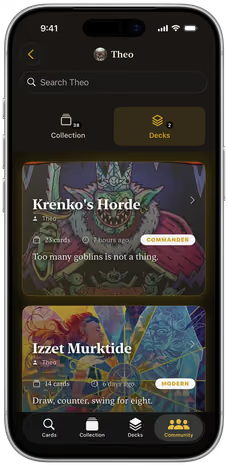
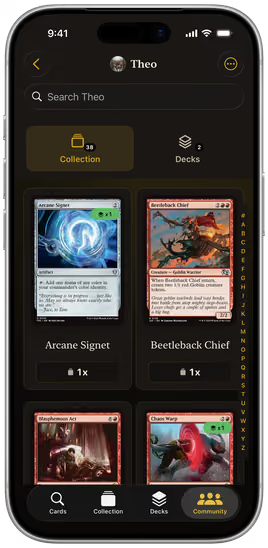
Add the people you play with as favourites and their collections and shared decks are a tap away: in full art, searchable, A to Z. Trading tonight? You already know what is in their binder before you sit down.
- Search inside any friend’s collection
- Their shared decks, with format and card count
- Friend requests, followers and following
Share your brews
Publish a brew. Collect the likes. Borrow theirs.
Every deck has its own public switch. Flip it, and your playgroup can like it, comment on it and watch it land in their feed.
-
One switch to publish
Make any deck public, or private again, from the deck itself. Nothing to upload, nothing to export.
-
Likes and comments
Feedback lands on the deck, next to the list it is about, not in a chat that scrolls away.
-
A feed for your playgroup
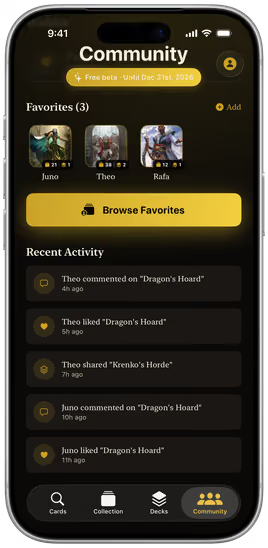
Who liked, commented on or shared what, newest first.
-
Discover decks
Browse public decks from players who share, search by name and filter by format.
-
Copy to your decks
Found a list worth trying? Copy it into your own decks in one tap and start tuning.
-
Notifications
Likes, comments and friend requests in one place, with a badge until you have read them.
Play together
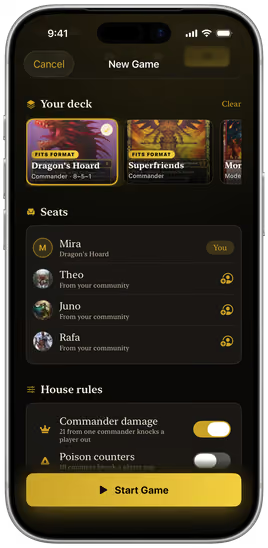
Your playgroup, already seated.
Start a game and your friends are in the seat list, straight from your community. Pick your deck, pick the pod and play. Every result is filed against the deck you brought, so the bragging rights come with receipts.
- Seat friends from your community
- Life, commander damage and poison for the whole pod
- Win rate per deck and per commander
On the web
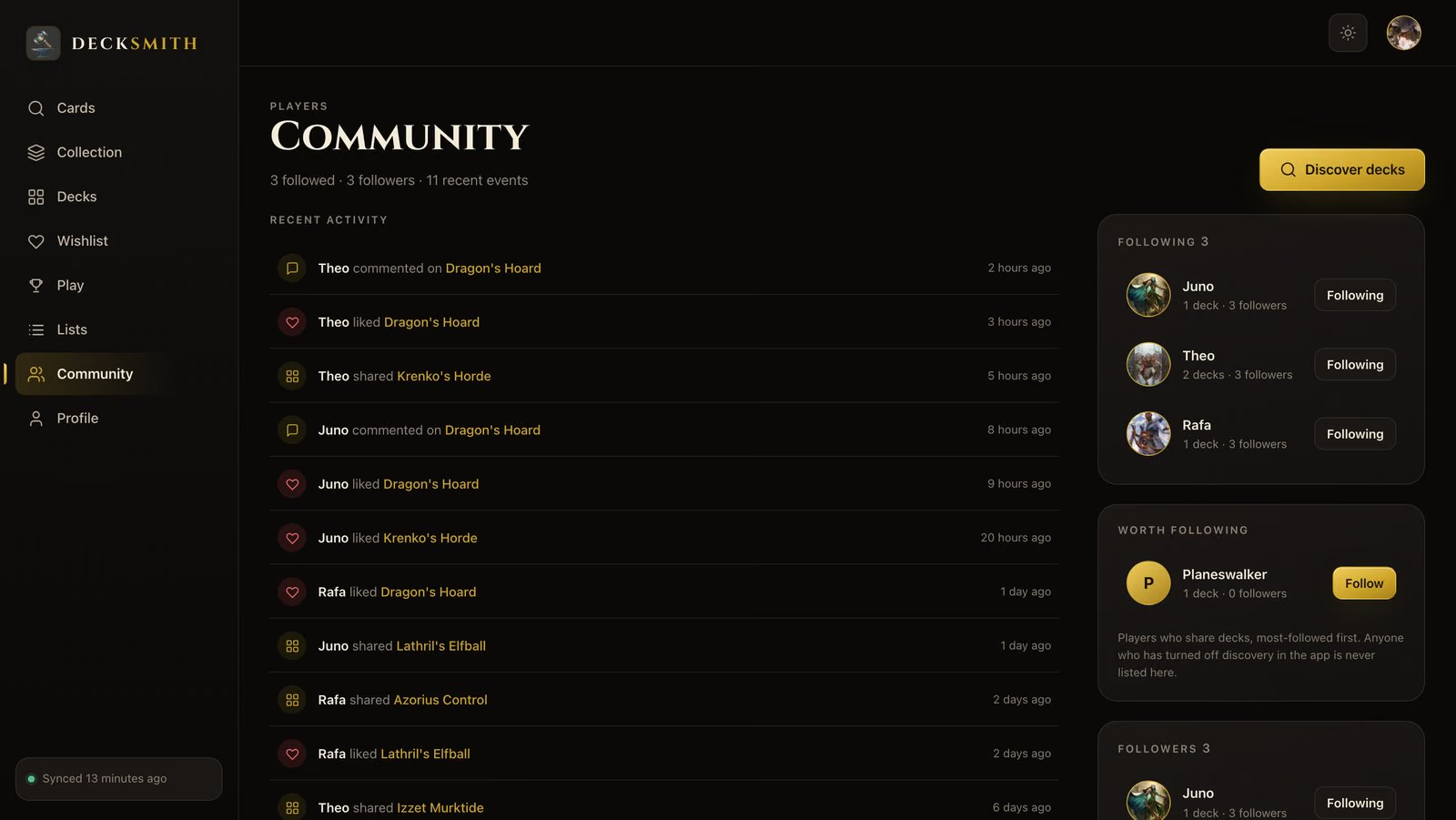
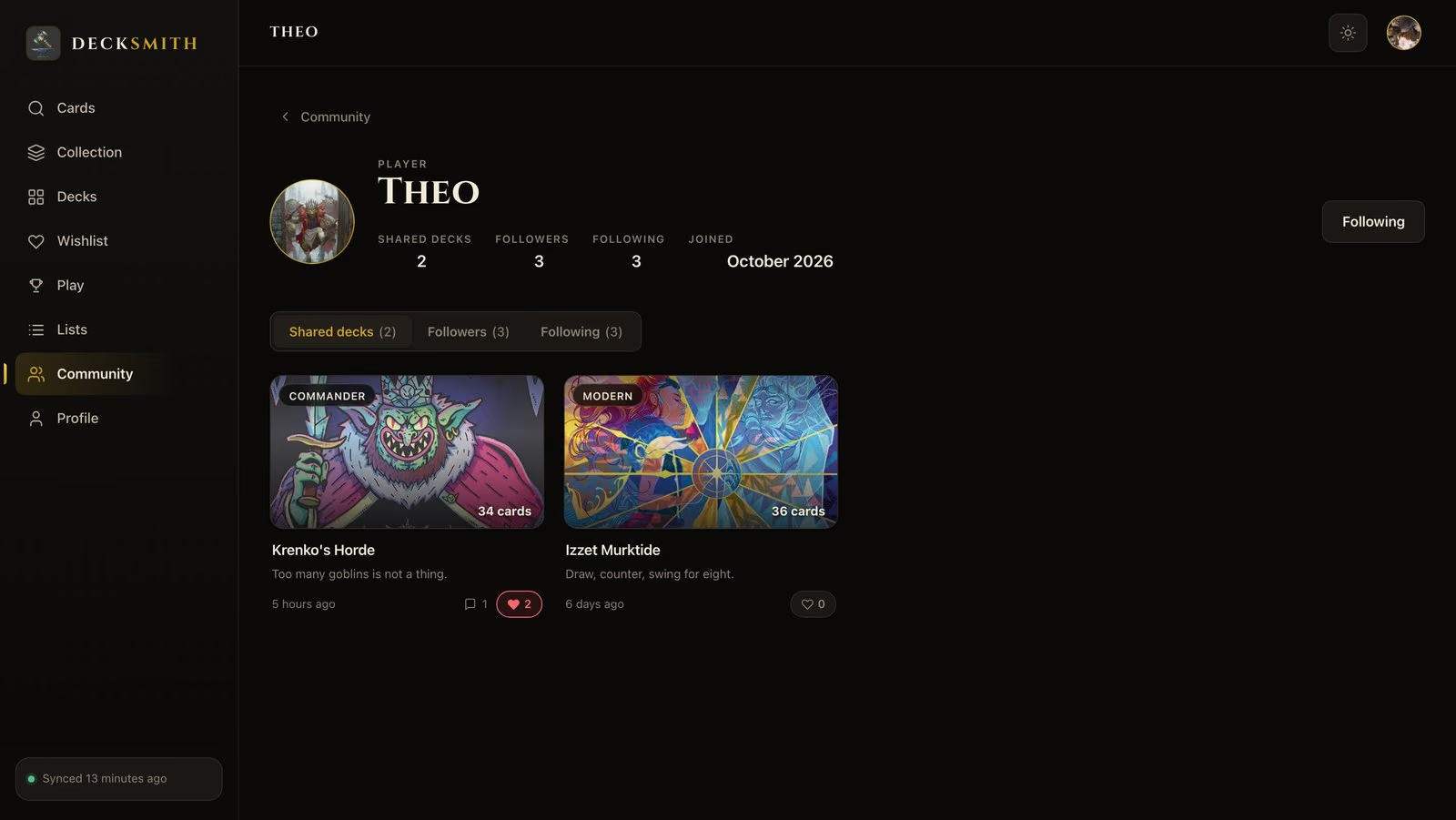
The same community on a bigger screen.
Sign in at app.decksmith.community and your feed, the players you follow and every shared deck are there, in sync with your iPhone.
-
Recent activity
Likes, comments and new decks from everyone you follow, as they happen.
-
Worth following
Players who share decks, most-followed first. Anyone who turned discovery off is never listed.
-
Player profiles
Shared decks, followers and following, and one click to follow.
Privacy
You decide who sees what.
Sharing is a switch you flip, not a default you have to find and undo.
-
Profile visibility
Public, followers only or private. Your collection is shown to everyone or only to your followers. Your choice.
-
A switch on every deck
Each deck is public or private on its own, and you choose the default for new ones.
-
Stay out of search
Turn off discovery and you never appear in player search or in suggestions.
-
Block anyone
Block a player from their profile: your collection is hidden from them, and theirs from you.
-
No ads, no tracking
No advertising and no third-party analytics, in the Community or anywhere else in Decksmith.
-
Export or delete
Download all of your data, or delete your account and everything in it, from Settings.

Free beta
Free until
31 December 2026.
Every Community feature on this page is free during the beta. There is no trial to cancel and no payment details to enter, just a free account.
-
Now (you are here)
Everything, free
Follow, share, comment, search your friends’ collections and play, at no cost.
-
31 December 2026
The beta ends
The free Community beta runs until the last day of the year.
-
From 1 January 2027
An optional subscription
The Community becomes an optional subscription. Nothing outside the Community changes.
Free with or without the Community
- Binder and live card scanners
- Your collection and its prices
- Deck builder for eight formats
- Mana curve and deck stats
- Smart lists
- Gallery mode
- CSV import and full export
- The web app
Get in
Three steps to your playgroup.
-
01 Get Decksmith
Free on the App Store for iPhone and iPad, or open app.decksmith.community in any browser.
-
02 Create your free account
An email address and a username. From then on your collection and decks sync across iPhone, iPad and the web.
-
03 Bring your playgroup
Find players by name and follow them, send a friend request, or invite a friend by email from the Community tab.
Questions
Before you join
Is the Decksmith Community free?
What stays free after 2026?
Do I need an account?
Who can see my collection and decks?
How do I find my friends?
Can I copy someone else’s deck?
Can I use the Community in the browser?
Still stuck? info@decksmith.community — a person answers.
Bring your playgroup.
Create your free account, follow the people you play with, and know what is in their binders before the next game night.
Free account · iOS 18+ · Also in your browser
On a computer? Scan with your iPhone camera to open Decksmith in the App Store.